




Author
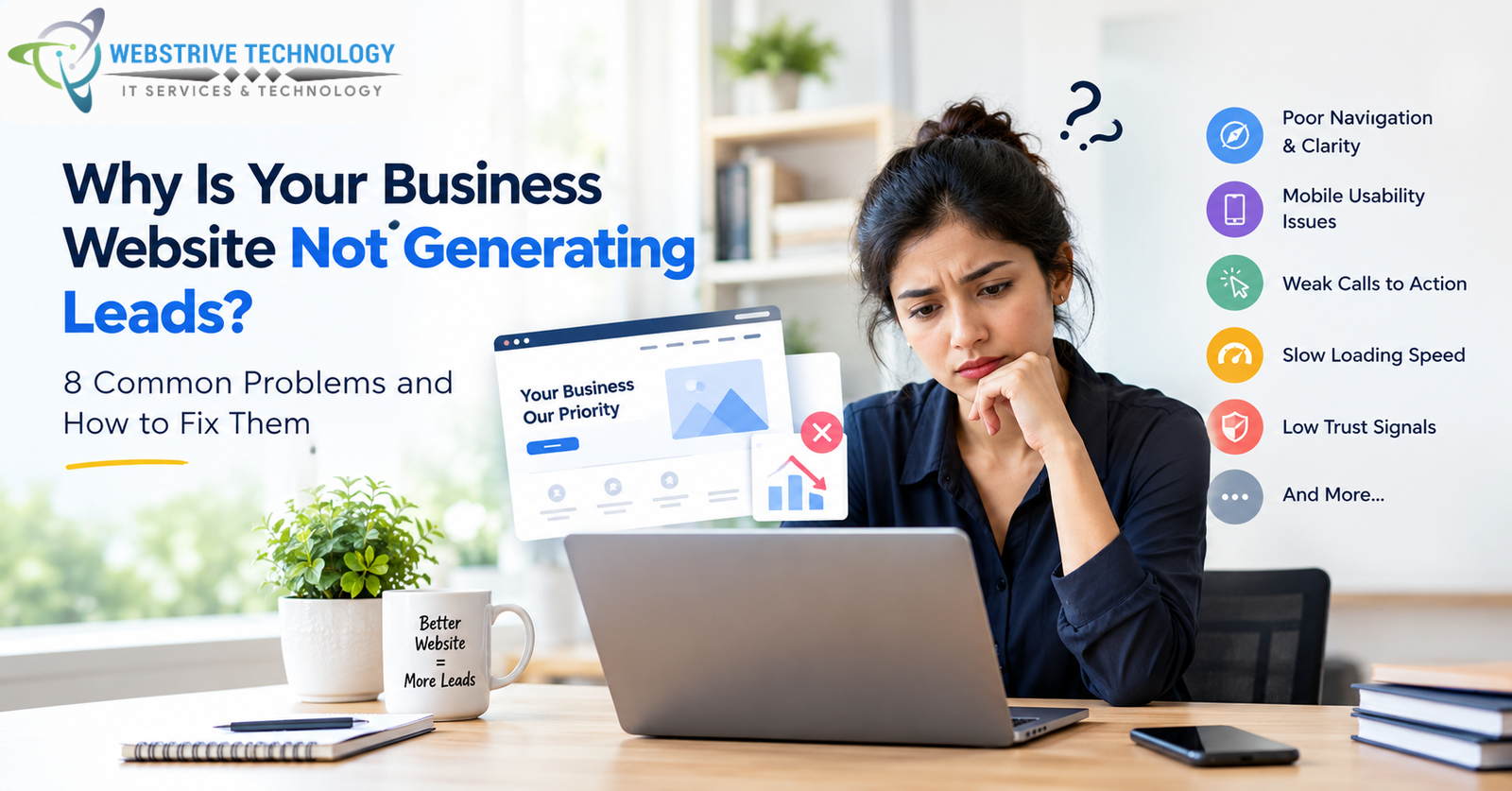
Why Is Your Business Website Not Generating Leads? 8 Common Problems and How to Fix Them
You invested time and money in your website. The design looks good, your services are listed, and your business is online. But there is one problem: the enquiries are not coming in as expected.
If this sounds familiar, you are not alone in facing this challenge. Explore our website development services to learn more about building a website that works across devices.
The reason is simple: a website needs to do more than look attractive. It needs to help the right visitors understand your offer, trust your business and take the next step.
Before spending more money on advertising or deciding to rebuild your entire website, it is worth investigating what might be going wrong.
Here are eight common issues that can prevent a business website from generating enquiries—and practical ways to address them.
1. Visitors Cannot Understand What You Offer
Imagine a potential customer visiting your homepage for the first time. They have only a few moments to work out what your business does, who you serve and whether your services are relevant to them.
If the headline is vague or the message is buried beneath long paragraphs, visitors may struggle to understand your value.
For example, a headline such as “Welcome to Our Digital World” sounds creative but tells visitors very little about the actual service.
A more descriptive alternative could be:
“Professional Website Design for Small Businesses and Startups.”
This tells visitors what the business offers and who it is intended for.
How to fix it
-
Use a clear headline that describes your main service.
-
Explain the benefit of your service in simple language.
-
Identify the type of customer you help.
-
Place a relevant next step, such as “Request a Quote” or “Discuss Your Project,” where visitors can find it easily.
Avoid exaggerated claims and generic phrases that could describe almost any company. Specific, accurate information is more useful to prospective customers.
2. Your Website Looks Good on Desktop but Is Difficult to Use on Mobile
A visitor may discover your business through Google, social media, a referral or an advertisement and open your website on a smartphone.
If the text is difficult to read, buttons are too small, menus are confusing or forms are awkward to complete, the visitor may leave before contacting you.
Google recommends responsive web design because it allows a website's layout to adapt to different screen sizes. Mobile usability also matters when people need to call a business, complete a form or make a purchase. Google's mobile-first indexing guidance.
How to fix it
Open your website on your own phone and check:
-
Can you read the text without zooming in?
-
Is the navigation easy to use?
-
Are the phone number and contact buttons easy to find?
-
Can you complete the enquiry form comfortably?
-
Do images or pop-ups cover important content?
Test important pages, not just the homepage. Your service pages and contact page may be where potential customers decide whether to enquire.
3. Visitors Do Not Know What to Do Next
A website can explain your services perfectly but still lose potential enquiries if it does not make the next step obvious.
Consider a visitor who is interested in a website redesign. They finish reading your service page, but there is no clear button to request a consultation, send a message or ask for a quote.
They may have to search through the navigation to find your contact details—or leave without taking action.
How to fix it
Give each important page a clear primary call to action (CTA).
Examples include:
-
Website services: Request a Quote
-
Website redesign: Discuss Your Redesign
-
E-commerce services: Plan Your Online Store
-
Contact page: Tell Us About Your Project
Use action-oriented wording that accurately describes what happens after the click. If you offer a free consultation, say so only if it is genuinely free.
Avoid placing too many competing buttons together. Help visitors identify the most relevant next step without overwhelming them.
4. Your Contact Form Creates Too Much Friction
Every additional form field asks visitors to spend more time and effort. Some information may be necessary to understand a project, but asking for too much too early can discourage enquiries.
For example, a person requesting a basic website quote may not need to complete a long questionnaire about every technical requirement before speaking to your team.
How to fix it
Start by collecting the information you genuinely need to respond.
A simple enquiry form might ask for:
-
Name
-
Email or phone number
-
Service required
-
Brief project details
Make sure required fields are clearly marked and error messages explain how to correct mistakes.
Test the form yourself after any website update. Confirm that it submits successfully and that enquiries reach the correct inbox or system.
You can also offer appropriate alternatives, such as a clickable phone number or WhatsApp link, if those channels suit your customers.
Important: A short form is not automatically better for every business. The right form balances ease of use with the information needed to qualify and respond to a genuine enquiry.
5. Visitors Have Too Little Reason to Trust Your Business
When someone discovers your company online, they may not know who you are or whether your business can deliver what it promises.
A website that contains vague claims, outdated information, broken links or examples that cannot be verified can create uncertainty.
Trust is especially important when customers are considering a service that involves money, technical work or an ongoing business relationship.
How to fix it
Make your website more informative and transparent:
-
Provide accurate company information and contact details.
-
Explain your services, process and deliverables clearly.
-
Show genuine project examples, with permission where necessary.
-
Publish authentic customer reviews only when you have permission to use them.
-
Identify your team and their roles accurately.
-
Explain what is included in a quote and which charges may be additional.
Do not invent client testimonials, display sample projects as completed client work or claim certifications you do not hold.
If you are a newer business, you can still build credibility by explaining your process, demonstrating your skills through clearly labelled sample work and communicating honestly about your experience.
6. Your Website Is Difficult to Discover Through Search
A well-designed website cannot attract organic visitors who never discover it. Search visibility depends on whether search engines can access and understand your pages and whether those pages are relevant to what people are looking for.
If your website has little useful content, unclear page titles or service pages that do not explain what you offer, it may be harder for potential customers to find the right information through search.
However, SEO is not a quick fix, and publishing more pages alone does not guarantee higher rankings.
How to fix it
Start with the basics:
Create useful service pages. Explain each service, who it is for, what it includes and how a customer can get started.
Use descriptive page titles and headings. Make the topic of each page clear without repeating the same keyword unnaturally.
Answer real customer questions. Blog articles can explain common problems, compare options and help readers make informed decisions.
Check technical accessibility. Review indexing settings, internal links, sitemap availability and errors that could prevent important pages from being discovered.
Improve local relevance when appropriate. If you serve customers in a particular area, maintain accurate business information and provide useful location-specific details.
A web development company in Kolkata, for example, may want its website to explain the services it offers to local businesses while also communicating whether it works with clients elsewhere in India.
The goal is to make relevant pages genuinely useful—not to repeat city names or keywords simply to influence search rankings.
7. Your Website Is Slow or Contains Technical Problems
A page that loads slowly, displays broken elements or behaves unpredictably can interrupt the customer journey.
Performance problems may come from large images, unnecessary scripts, inefficient code, hosting limitations or other technical issues. A contact form may also fail silently, meaning visitors try to enquire but the business never receives their message.
How to fix it
-
Test key pages on both mobile and desktop.
-
Compress images while preserving suitable visual quality.
-
Check for broken links, missing images and layout problems.
-
Test contact forms and confirm that submissions are delivered.
-
Use Google's PageSpeed Insights to review performance and identify possible improvements.
Do not assume every website needs a complete rebuild. Some problems can be corrected through targeted development or configuration changes. More substantial work may be necessary if the underlying platform is unsuitable or difficult to maintain.
Prioritise issues based on their severity and the evidence available.
8. You Are Not Measuring What Happens After Visitors Arrive
Perhaps your website receives visitors but generates few enquiries. Or perhaps your team receives calls and WhatsApp messages, but your analytics report shows very few conversions.
Without reliable measurement, it is difficult to know whether the main problem is traffic quality, the website experience, a broken enquiry process or incomplete tracking.
How to fix it
Set up suitable measurement before making major decisions.
Depending on your website and business, useful metrics may include:
-
Visits to important service pages.
-
Clicks on phone and WhatsApp links.
-
Contact form submissions.
-
Quote requests.
-
Relevant Google Ads conversions.
-
Enquiries that become qualified opportunities or paying customers.
Google Analytics 4 can help measure website activity when configured correctly. Google Tag Manager can help manage tracking tags, while Google Ads conversion tracking can measure selected actions associated with advertising.
These tools need proper implementation and testing. A button click is not necessarily a qualified lead, and a reported conversion should not automatically be treated as a sale.
Review analytics alongside actual enquiries and sales records to understand what is happening.
Before You Rebuild Your Website, Run This Quick Check
You may not need to replace your entire website. First, investigate the problem and identify where visitors are getting stuck.
| What you notice | What to investigate first |
|---|---|
| Very few relevant visitors | Search visibility, referral sources and advertising targeting |
| Visitors arrive but rarely contact you | Page clarity, trust signals and calls to action |
| Visitors click contact buttons but no enquiries arrive | Form delivery, phone links and tracking |
| Mobile visitors struggle to use the site | Responsive layouts, navigation and form usability |
| Many enquiries are irrelevant | Audience targeting, page messaging and enquiry qualification |
| Analytics and actual enquiries do not match | Conversion tracking and reporting configuration |
These are diagnostic starting points, not guaranteed explanations. Check your own website data and test the relevant user journey before deciding which changes to make.
When Should You Consider a Website Redesign?
A redesign may be worth considering when the existing website no longer represents your business, is difficult to use on mobile, cannot support important functionality or is costly to maintain.
But a redesign is not always the first or only answer. If the main problem is poor targeting, missing analytics or a broken contact form, rebuilding the entire site may not address the underlying issue.
A sensible process is to:
-
Identify the business outcome you want to improve.
-
Review the current website and available performance data.
-
Test the pages and actions most relevant to that outcome.
-
Prioritise changes based on evidence, cost and effort.
-
Measure the results after implementation.
This approach helps you make decisions based on your business needs rather than assumptions.
Final Thoughts: Make Your Website Easier to Trust, Use and Act On
A business website does not generate leads simply because it exists or looks attractive. Visitors need to understand what you offer, find relevant information, feel confident about your business and have a straightforward way to contact you.
Start with the basics: clear messaging, mobile usability, useful service pages, genuine trust signals, working contact options and reliable measurement.
Then use real visitor behaviour and enquiry data to decide what to improve next. Some websites need a few targeted fixes; others may need more substantial development or marketing work.
If you are unsure where your website is losing potential enquiries, Webstrive Technology can discuss your website design, development and digital marketing requirements and help you identify areas worth reviewing.
The objective is not to promise a particular number of leads. It is to build a clearer, more useful website and measure whether the improvements are helping your business reach its goals.





Comments (0)
No comments yet. Be the first to comment!
Leave a Comment